A Google Account gives you access to many Google products. With a Google Account, you can do things like:
- Send and receive using email using Gmail
- Find your new favorite video on YouTube
- Download apps from Google Play
When you create a Google Account, Google ask for some personal info. By providing accurate info, you can help keep your account secure and make Google services more useful.
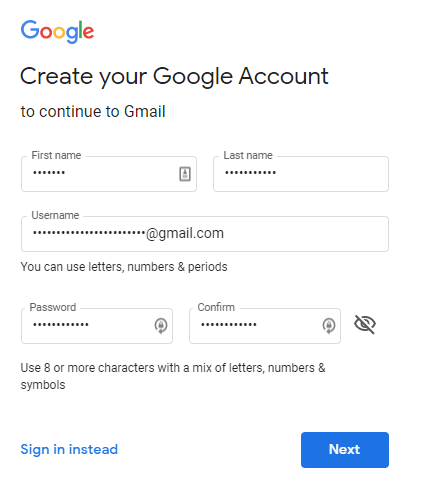
- Go to the Google Account sign in page.
- Click Create Account.
- Enter your First name and Last name.
- In the "Username" field, enter a username.
- Enter and confirm your password.
- Click Next.
- Now add and verify a phone number for your account. (Optional)
- Click Next.
Congrats! 🥳🎉 Your google account is now created, you can use Google Products easily.
NOTE : This Tutorial is 100% safe and legit. If you face any problem then you can contact Google Support.